
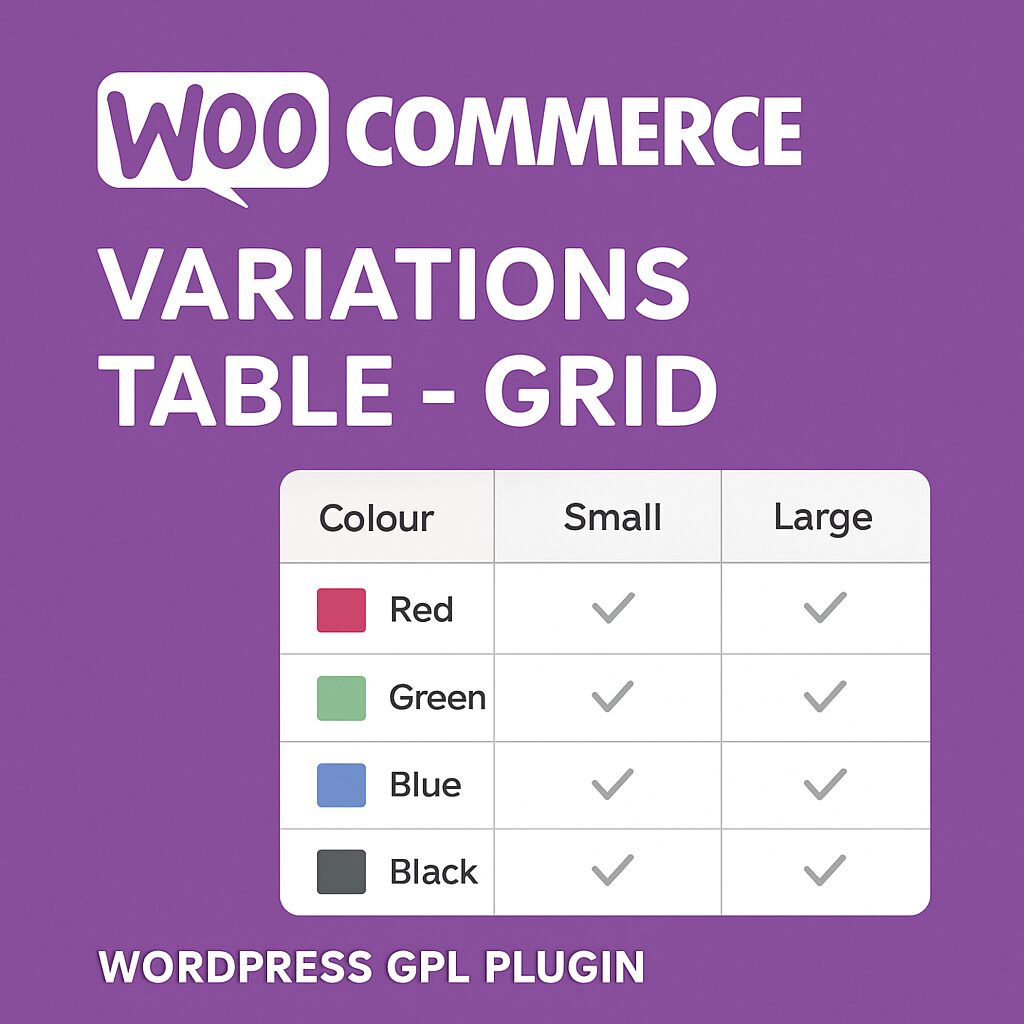
WordPress – Woocommerce Variations (variable products) to Table – Grid Plugin
This WordPress – WooCommerce plugin will turn the product’s page default variations select-option menus to the user-friendly table – grid display. It features a self-explanatory with plenty of options admin settings panel, great documentation and support, and per product options.
Woocommerce Variations to Table Grid GPL Features
- User-friendly and self-explanatory administration panel.
- Displays all the needed data for your variable products with options to disable them.
- Supports “any” when you set your product variations
- Supports “custom attributes” that you may add to the products on the fly
- “Add Selected to Cart” with select all checkbox for mass adding variations to cart
- Option to disable or enable the table/grid per product.
- In Stock, Out of Stock, and Low Stock (with threshold) custom messages
- Easy to use shortcode with full documentation to help you put the table where ever you need and shortcodes are executed.
- Easy to use global shortcode that will display all variations of all variable products on any page.
- Extensible / developer-friendly. You can alter the plugin without hacking it but via WordPress filters and actions.
- Make variations stand out with your custom sticker/icon. You can enable/disable or override it per variation.
- Supports WooCommerce Variation Swatches and Photos
- Supports YITH WooCommerce Wishlist
- Supports YITH WooCommerce Quick View
- Supports WooCommerce Product Gift Wrap
- AJAX can be enabled from settings
- Sorting of table columns in the frontend
- Default table header (auto-generated), generic custom table header, and per product custom table header can be set
- Easily translatable via.po /.mo files.
- Available translations: English, Greek, Français, Italiano, Polish.
Woocommerce Variations to Table Grid GPL Options
- Exclude Categories: You may select whole categories to exclude the plugin in order to display the variations with the default select menus
- Display Thumbnail: Select “yes” to display the thumbnail column or “no” to hide it.
- Thumbnail Width in Pixels: You may define the with of the thumbnail in pixels in this field
- Display Stock: Select “yes” to display the stock condition column or “no” to hide it.
- In Stock Text: If the stock is displayed, you may set the text to display when the variation is in stock
- Out of Stock Text: If the stock is displayed, you may set the text to display when the variation is out of stock
- Low Stock Text: If the stock is displayed, you may set the text to display when the variation stock is low
- Low Stock Threshold: Enter the quantity of the variation that will trigger the low stock status
- Display Price: Select “yes” to display the price column or “no” to hide it.
- Display Total (New): Select “yes” to display the totals column or “no” to hide it.
- Display Quantity Field: Select “yes” to display the quantity input field of the products to be added to cart column or “no” to hide it.
- Display Add To Cart: Select “yes” to display the add to cart button column or “no” to hide it.
- Display Wishlist: Select “yes” to display the wishlist icon column or “no” to hide it.
- Display Image: Select “yes” to display an extra image/sticker/icon column or “no” to hide it.
- Add Image: Upload the extra image/sticker/icon by clicking on the Open Media Manager button.
- Display Description: Select “yes” to display a description under the row of the variation.
About Woocommerce Variations Table – Grid
Woocommerce Variations Table – Grid is a premium WordPress plugin developed by Nitroweb Development LTD. Plugin to turn Woocommerce normal variations select menus to table – grid It is distributed under the GPL2 licence, which means you can install it on an unlimited number of websites — including websites you build and manage for your clients.
Compatibility & Requirements
Woocommerce Variations Table – Grid requires WordPress 5.0 or later, and has been tested up to WordPress 6.7, and requires PHP 7.4 or higher. Our team checks every version for conflicts and clean activation — what you download is what we tested. Text domain: vartable. This listing reflects version , updated within 24 hours of the upstream release.
Understanding the GPL Licence
The General Public License (GPL) is the same licence under which WordPress itself is released. It guarantees your freedom as a user: install Woocommerce Variations Table – Grid on unlimited websites, modify it for any project, and pass it on freely. There are no per-site fees, no activation locks, and no expiry dates. Our service simply ensures you receive a clean, tested copy at the lowest possible price.
Why Download from digitalgpl
- Latest version guaranteed – Woocommerce Variations Table – Grid matches the most recent upstream release.
- Unlimited domain usage – Personal sites, client projects, and staging servers are all covered.
- Instant delivery, 24×7 – Your download link arrives immediately after payment, day or night.
- Verified before listing – Every file is tested for clean installation and conflict-free activation.
- Encrypted checkout – Payments are processed through 256-bit SSL secured gateways.
- No renewal fees – One payment covers you indefinitely. No subscriptions, no surprises.
Frequently Asked Questions
Which WordPress version works with Woocommerce Variations Table – Grid?
Woocommerce Variations Table – Grid has been tested and confirmed compatible up to WordPress 6.7.
Can I install this on a client’s website?
Yes. The GPL2 licence grants you the right to use Woocommerce Variations Table – Grid on any website, including commercial client projects, without restriction.
What PHP version is required?
Woocommerce Variations Table – Grid requires PHP 7.4 or higher. The majority of modern hosting environments already meet this requirement.
How do I get future updates?
When a new version of Woocommerce Variations Table – Grid is published by Nitroweb Development LTD, we update our file promptly. You can re-download the updated version from your digitalgpl account at no additional cost.
Is this the original, unmodified file?
Yes. We distribute the original, unaltered Woocommerce Variations Table – Grid plugin as released under the GPL. No code has been changed, removed, or added.
Official developer page: http://codecanyon.net/item/woocommerce-variations-to-table-grid/10494620





Reviews
There are no reviews yet.